

Step 4 — Adding your team and inviting them
Import a spreadsheet or add people one at a time. The invite is the part that matters, and this explains why.
The last of the four setup steps, and the one that makes the rest of it work.
Getting people in
Two ways, and most people use both.
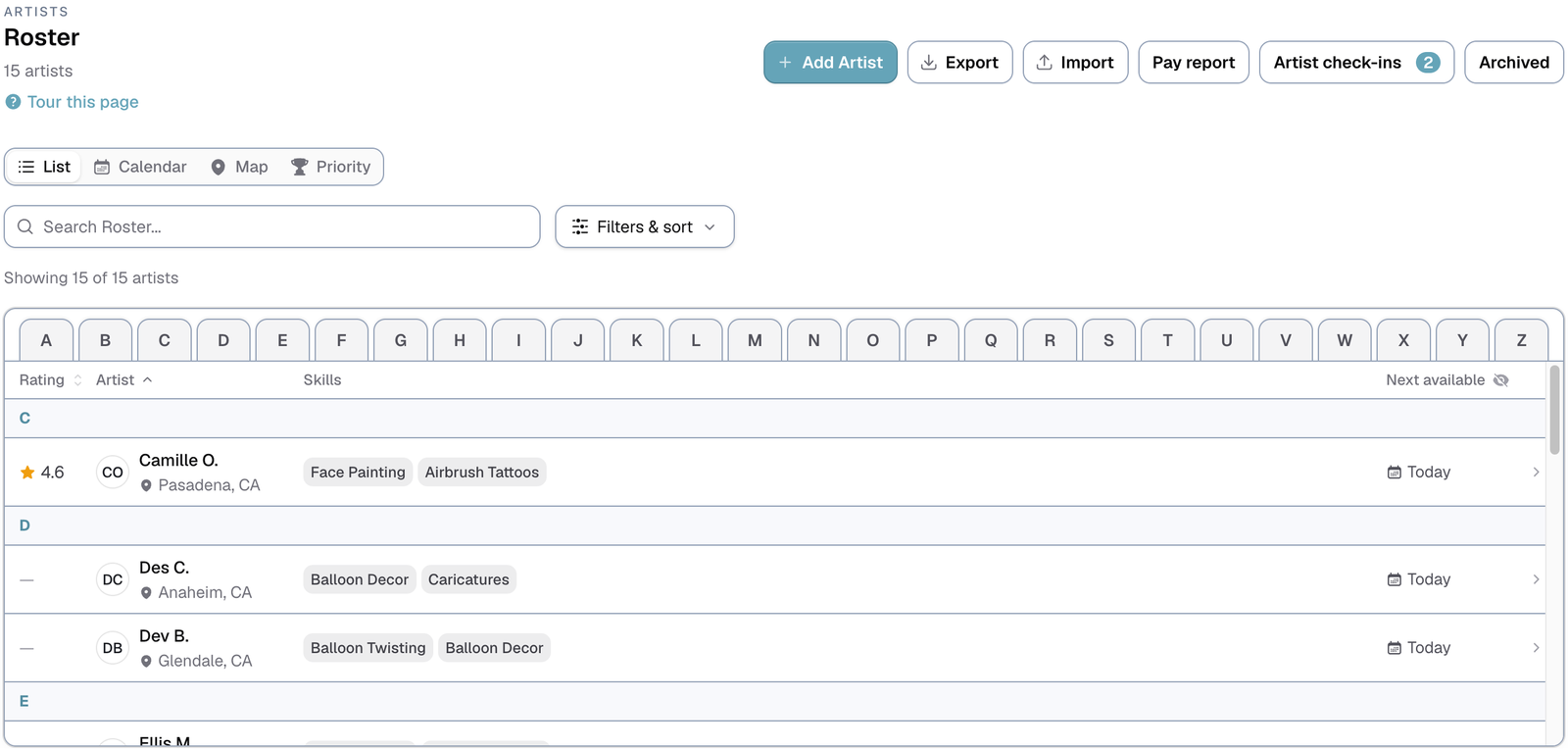
Import a spreadsheet. Go to Roster and use the import. Whatever list you already keep — names, emails, phone numbers, who does what — becomes real profiles. This is the fast route, and it does not get slower as the list gets longer: sixty people is the same amount of work as six.
Add them one at a time. Fine for a new hire, or for the handful the spreadsheet missed.
The invite is the part that matters
A profile on its own is a record you maintain by hand. An invited person maintains it themselves.
Once someone has their login they keep their own availability and their own travel preferences current — which days they can work, which of your areas they will travel to, what they charge to get there. That is the information matching depends on, and it is the information that goes stale fastest when one person is trying to hold it for everybody.
To invite someone, open their profile and press Invite to portal. They get an email with a temporary password.
What it costs
Nothing extra. Logins are free on every plan, so there is no reason to hold back an invite from an occasional helper.
Your plan follows two numbers: everyone on your roster, and how many people work in a month. Someone invited who doesn't work this month adds nothing to the second number.
If somebody already has a Logidex login
If they work for another agency that uses Logidex, inviting them links their existing account rather than making a second one. They sign in with the password they already have, and folder tabs at the top of their portal switch between agencies.
Only their availability is shared between agencies. Their skills, pay and bookings stay private to each.
If an invite does not arrive
Open their profile and press Resend invite / reset password. That hands you a fresh temporary password to give them directly, and it does not depend on any email getting through. It is the reliable route when somebody is stuck.
Last updated