

Connecting Square
Logidex can add your clients to your Square Customer Directory, so they are already there when you send an invoice. Here is what it does, when it does it, and what it never touches.
If you invoice clients through Square, connecting it saves you typing each client in twice. Logidex adds the client to your Square Customer Directory, so when you go to send an invoice, they are already there.
⭐ Logidex does not send invoices or take payments. It only adds the customer. You still create and send the invoice in Square, the way you do now.
Connecting it
Only the account owner can connect or disconnect Square.
- Go to Settings → Square.
- Press Connect Square.
- Sign in to Square if it asks, and approve access.
- You land back in Logidex, and the page says Connected.
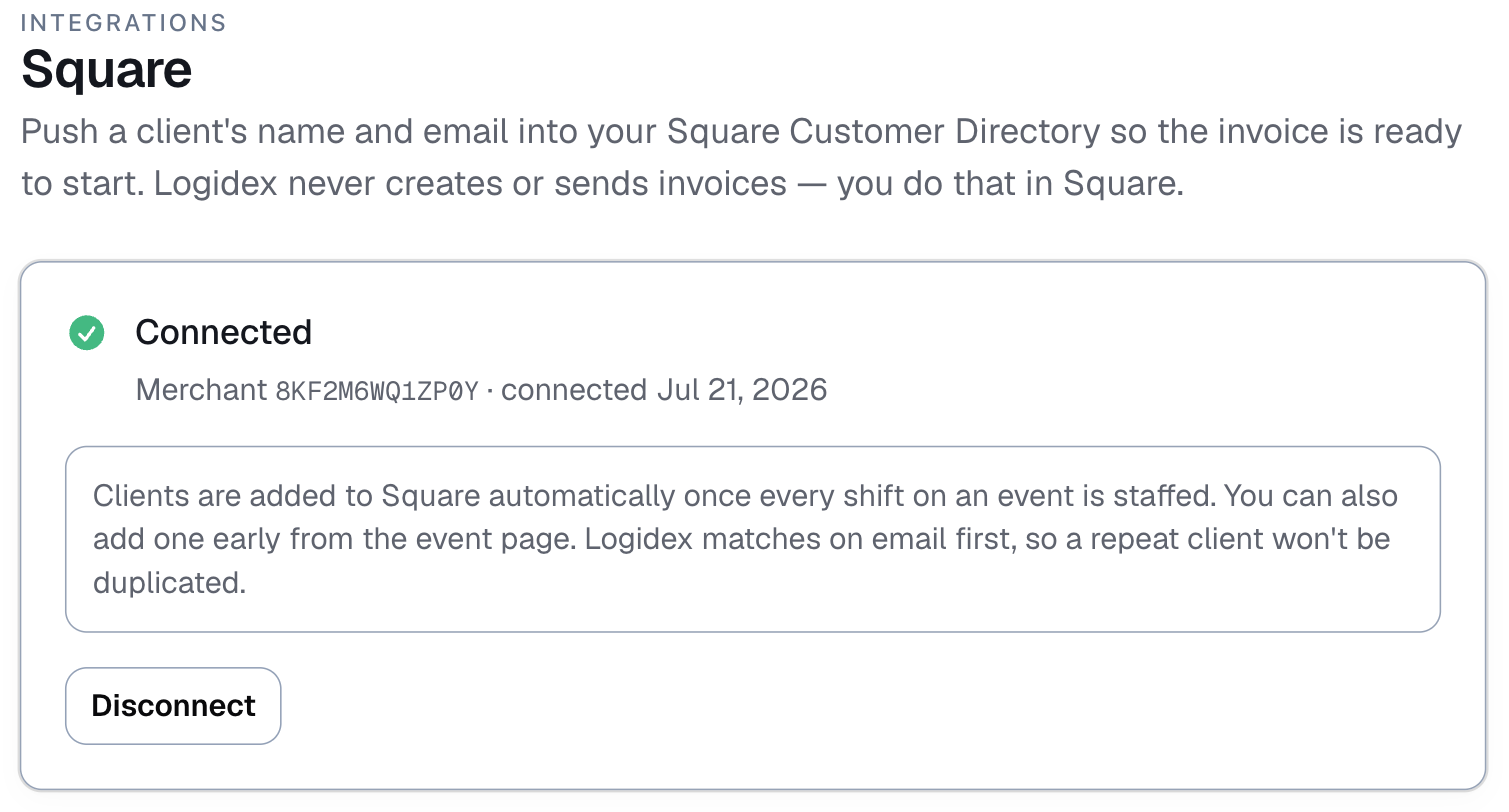
Logidex can only read and write your customers. It cannot see your payments, payouts or bank details.
When a client is added
Automatically, once every shift on a booking is staffed. That is the moment the booking moves to Confirmed Match, and usually the moment you set up the invoice, so the client is added then.
Or earlier, by hand: on the booking, open More and choose Add client to Square. Once the client is there, that menu item reads Client in Square ✓.
What is sent
- the client's name
- their email
- their phone, if you have one
- a note reading Added from Logidex, with the date of the booking
⚠️ The client needs an email address. Square uses it to tell one customer from another. A booking with no client email is skipped, and adding it by hand asks you to add an email first.
Repeat clients are not duplicated
Before adding anyone, Logidex looks them up in your directory by email. If a customer with that email is already there, Logidex uses that one instead of creating another.
Disconnecting
On Settings → Square, press Disconnect. Clients already added stay in your Square directory; Logidex simply stops adding new ones.
Last updated