

Your profile: details, skills, travel and documents
What you can change yourself, what only your agency can change, and why a skill you add starts at the lowest level.
Four of the tabs in your portal are your profile. Here is what belongs in each.
Profile — how they reach you
Your name, your nickname, your email, your phone and your address.
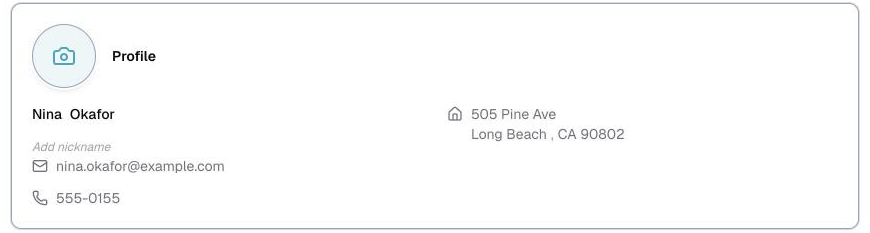
Your address is used to work out how far a job is from you. It is not shown to clients.
Under that there may be a section called More about you. Those are extra questions your agency added, so they differ from one agency to the next. An emergency contact is a common one.
Click any detail to edit it. There is no save button, it saves as you go.
Skills — what you actually do
Add every service you offer. This is what decides which jobs you get matched to, so a service you leave off is work you will not be offered.
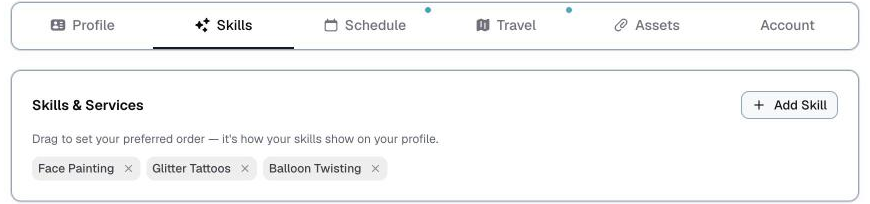
⚠️ A skill you add yourself starts at the lowest level, and only your agency can raise it. That is not a judgment on you. Your agency filters by level when they are staffing, so the level has to be theirs to set or the filter would mean nothing. If you are more experienced than your profile says, tell them and they will change it.
Travel — where you will work
Areas within a set distance of your home are already added for you. From there you can add a fee or a condition to an area, remove one, or leave them as they are.
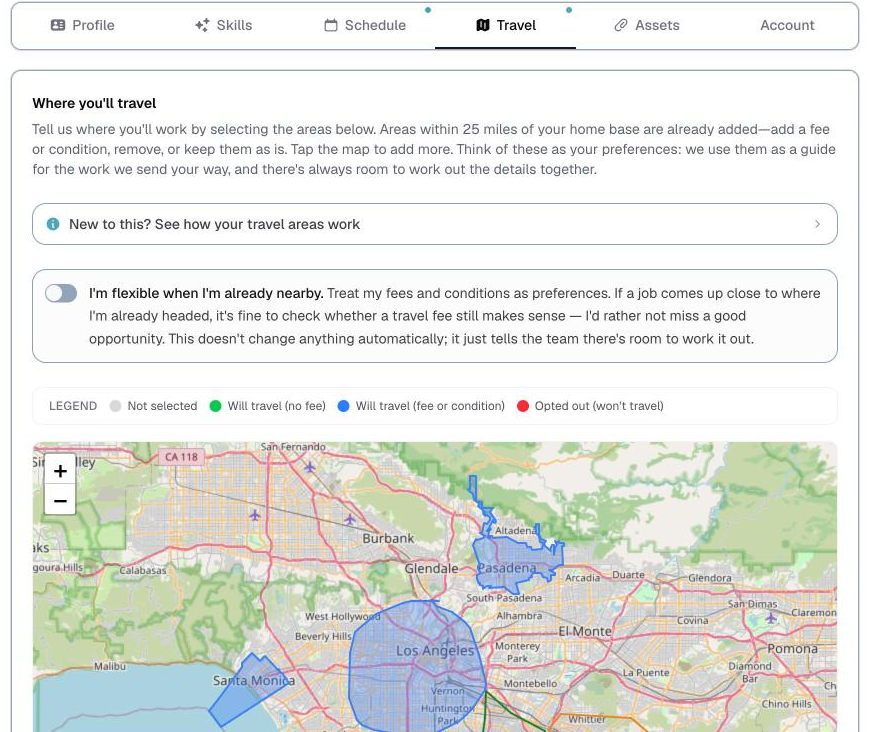
Tap the map to add areas further out.
Assets — photo, links and documents
Your profile photo, your online presence, and any documents your agency asks for, such as a certificate or an insurance paper.
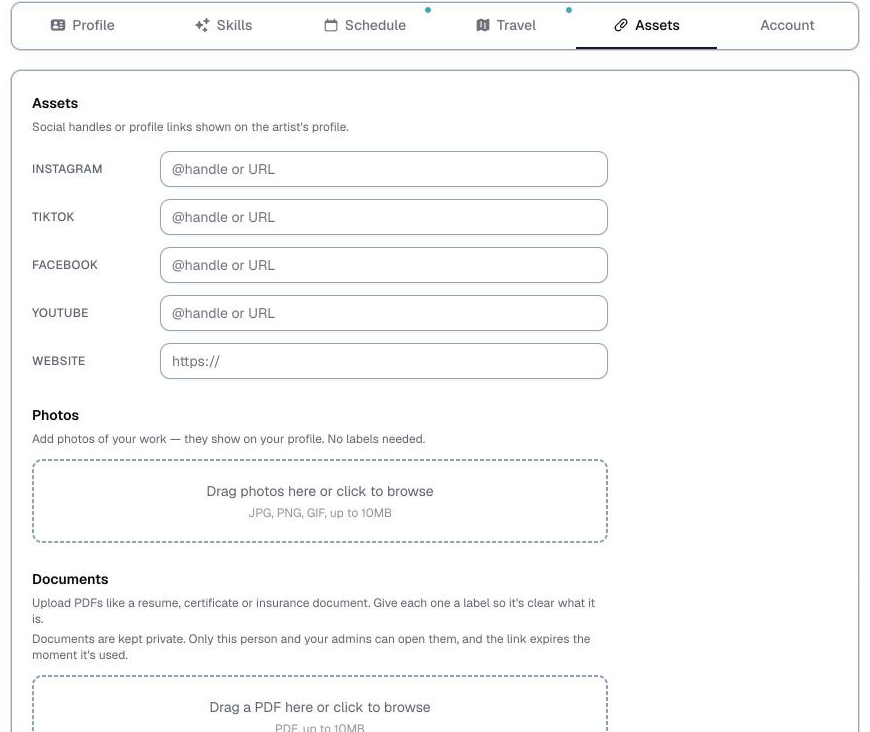
Uploaded documents are private. They are stored so your agency can find them, not published anywhere.
Account — password and your phone
Change your password here. You need your current one.
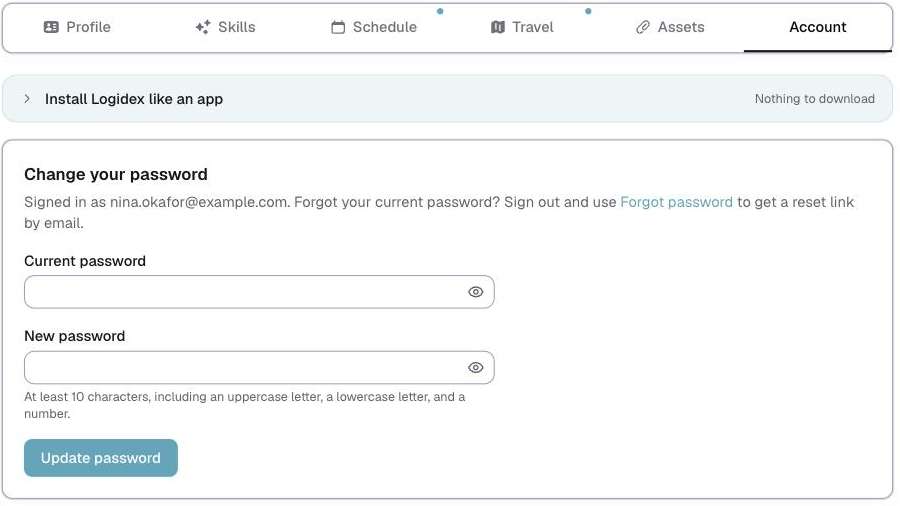
If you have forgotten it, sign out and use Forgot password on the sign-in screen to get a reset link by email instead.
At the top of the same tab are the instructions for adding Logidex to your phone's home screen.
What is not on these tabs
- Your availability lives on the Schedule tab. How to set it is here.
- Your bookings are on the Schedule tab too.
- Your pay rate is set by your agency, per job. It is not something you edit.
⚠️ If you work for two agencies, your availability is shared between them and everything on this page is not. Your skills, your travel areas and your documents are held separately by each agency, so filling them in for one does not fill them in for the other.
Last updated